
Why does a Sankey in Power BI change colour when I filter it?
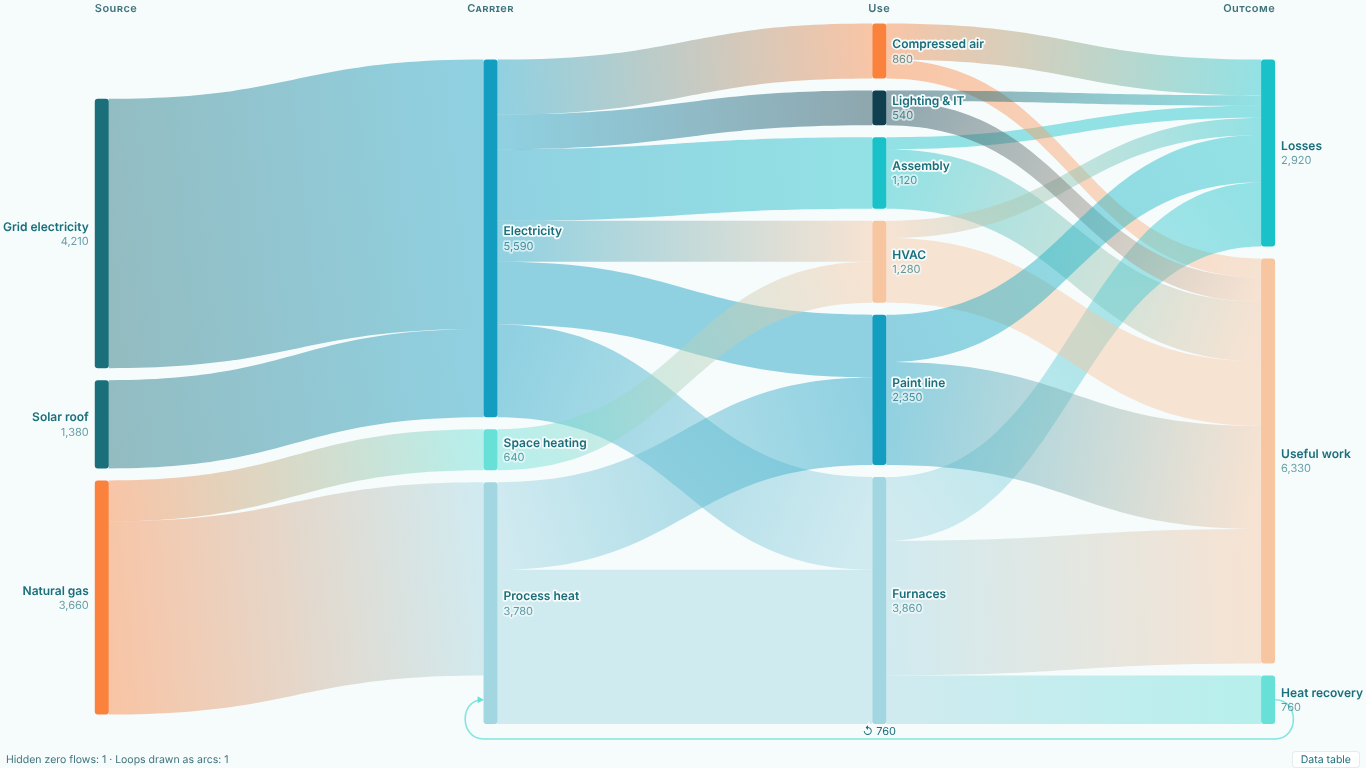
When a chart hands out colours and positions in the order the rows arrive, a slicer, a refresh or one removed node can give every other node a new colour and a new place, and the reader loses track of what they were following. SmartVisuals Sankey keys colour, order and position to the node name instead. Electricity keeps its colour and its rank whatever you filter, and a node that disappears does not reshuffle the others.
The same rule holds for the format pane. Node Colors lists your real node names, not Node 1, Node 2, and a colour you pick stays with that name under every filter. Report theme colours are assigned the same way, so switching the report theme does not repaint the chart at random either.