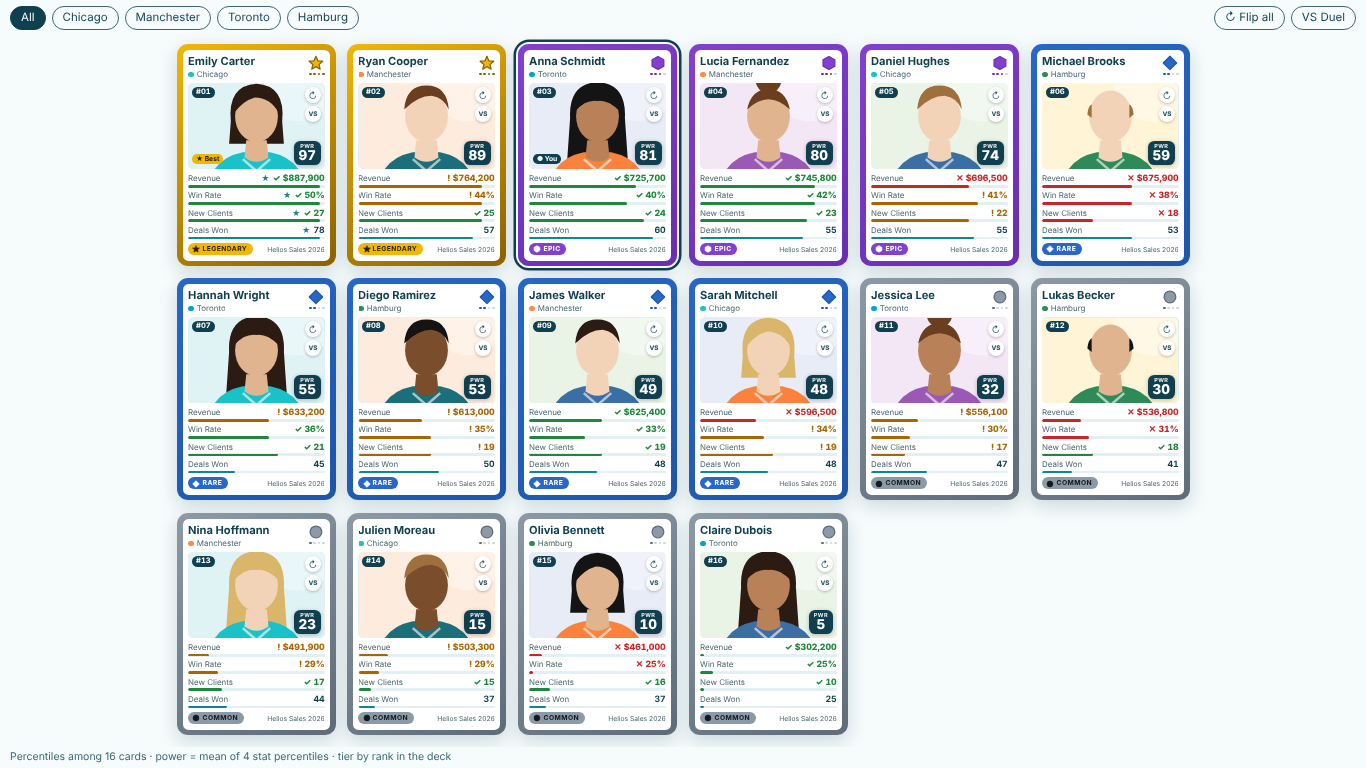
- Some viewers only see 5 of our 16 reps, with "Showing 5 of 16" under the cards.
- More than 5 cards is a Premium feature. A reader without a licence sees the first 5 in the author's Layout > Sort By order, and their numbers are computed on all 16 reps, so the ranks and tiers match what a licensed colleague sees. Assign a SmartVisuals Trading Cards licence to the reader in the Microsoft 365 admin center. In edit mode the full deck is always shown.
- The Duel, the targets or the sparklines show for me but not for my readers.
- Edit mode previews every Premium feature. In reading view without a licence the Duel layout shows the Deck, Compare, target status and History are left out, custom tier thresholds and names return to the defaults (90, 70, 40), the You ring is not drawn, a Collector Skin falls back to the chosen Theme and Wall mode is stepped by hand. Power BI shows one banner whose tooltip names what was withheld. The report is never blocked or watermarked.
- A photo does not show and the card draws initials instead.
- The visual draws only image data URIs (data:image/png;base64,...) and refuses web addresses, values that are not images, invalid base64 and pictures cut off at Power BI's 32,766-character text column limit. Card Face > Show Picture says how many pictures were not shown and why. Use smaller pictures (under about 20 kB) in Picture, or bind a measure to Picture (Measure), which takes up to 2,000,000 characters per card; the sample report has the Power Query and CONCATENATEX recipe for a folder or SharePoint library of photos.
- The rep with the shortest days to close is ranked worst.
- By default a higher value is better. Open Stats, find the stat under its own name and turn on Lower Is Better. The percentile, the rank, the power score and the duel then treat a smaller value as better for that stat only, and the label shows an arrow.
- A rep shows "–" for a stat, and the tiers look different than I expected.
- "–" means the stat has no value for that card. It is never counted as zero: the card's power score averages only the stats it has, and other cards' percentiles are computed among the cards that have a value. If the status strip says "Only 4 ranked cards: tiers compare very few cards", the tiers compare fewer than 5 cards and mean little; add cards or widen the filter.
- With a History field, win rate or headcount adds up to nonsense.
- With History, each card combines its periods per stat by Stats > Combine Periods By. Auto sums plain numbers and averages percentages. A rate, an average or a stock such as headcount does not add up over periods: choose Average, Latest or Maximum for that stat.